Import without moving your files
Point Nebulis at a folder on the machine. It indexes the images where they are and matches them to the catalog.
Nebulis imports every frame from your Seestar, DWARF or ASIAIR, plans the night, and controls a Seestar. Free, no account.
v2.2.2 · Released Nov 11 · What's new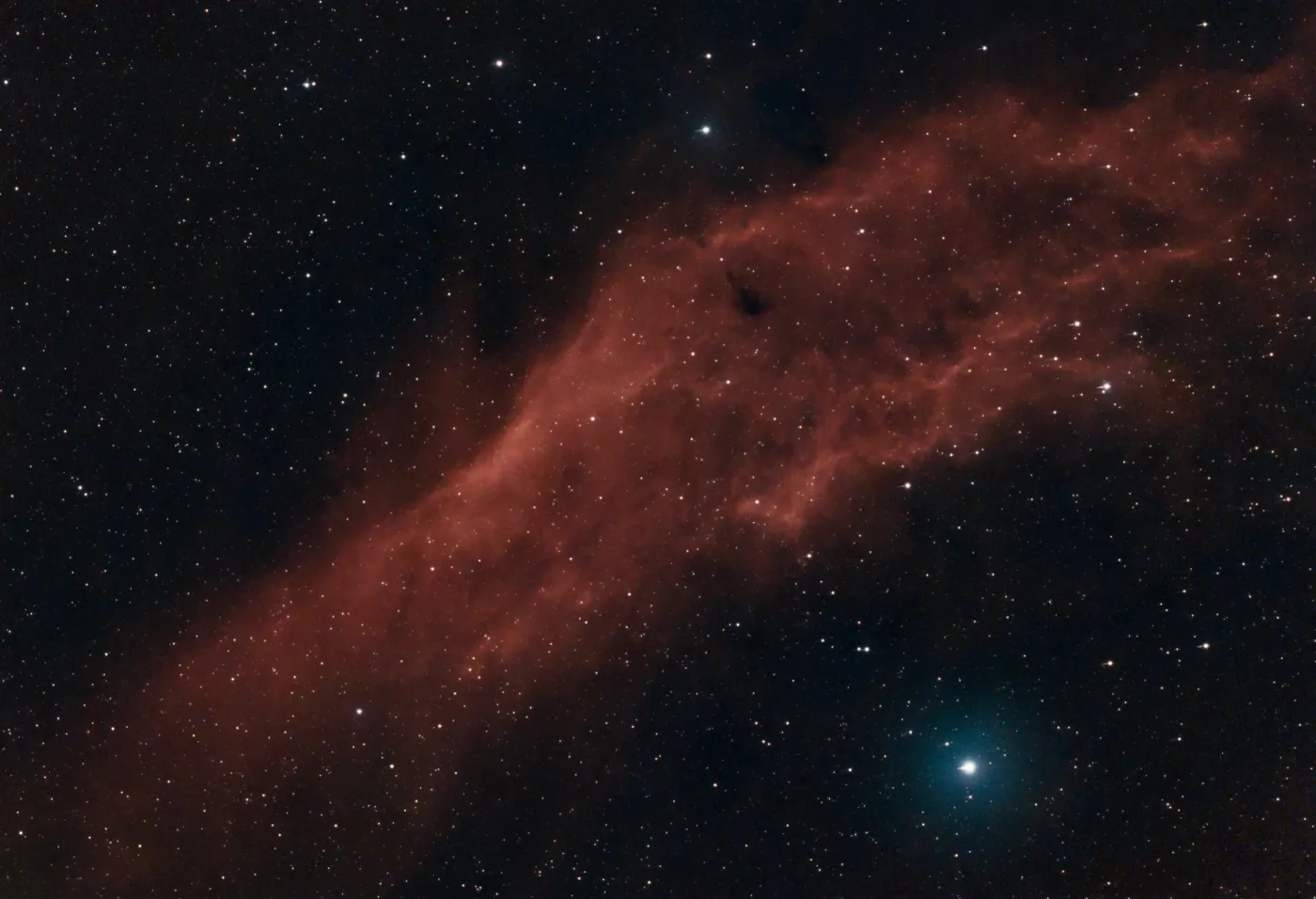
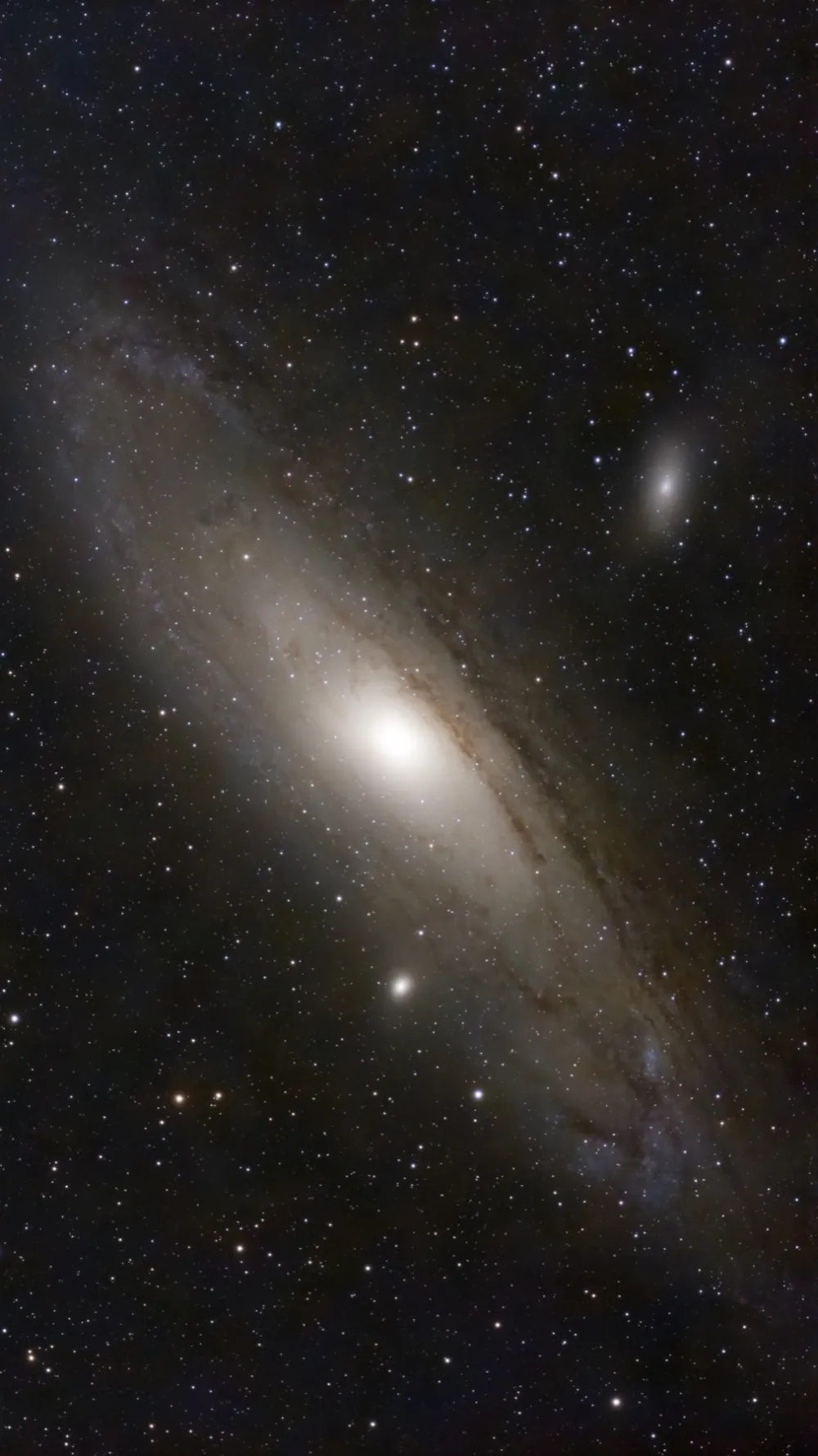
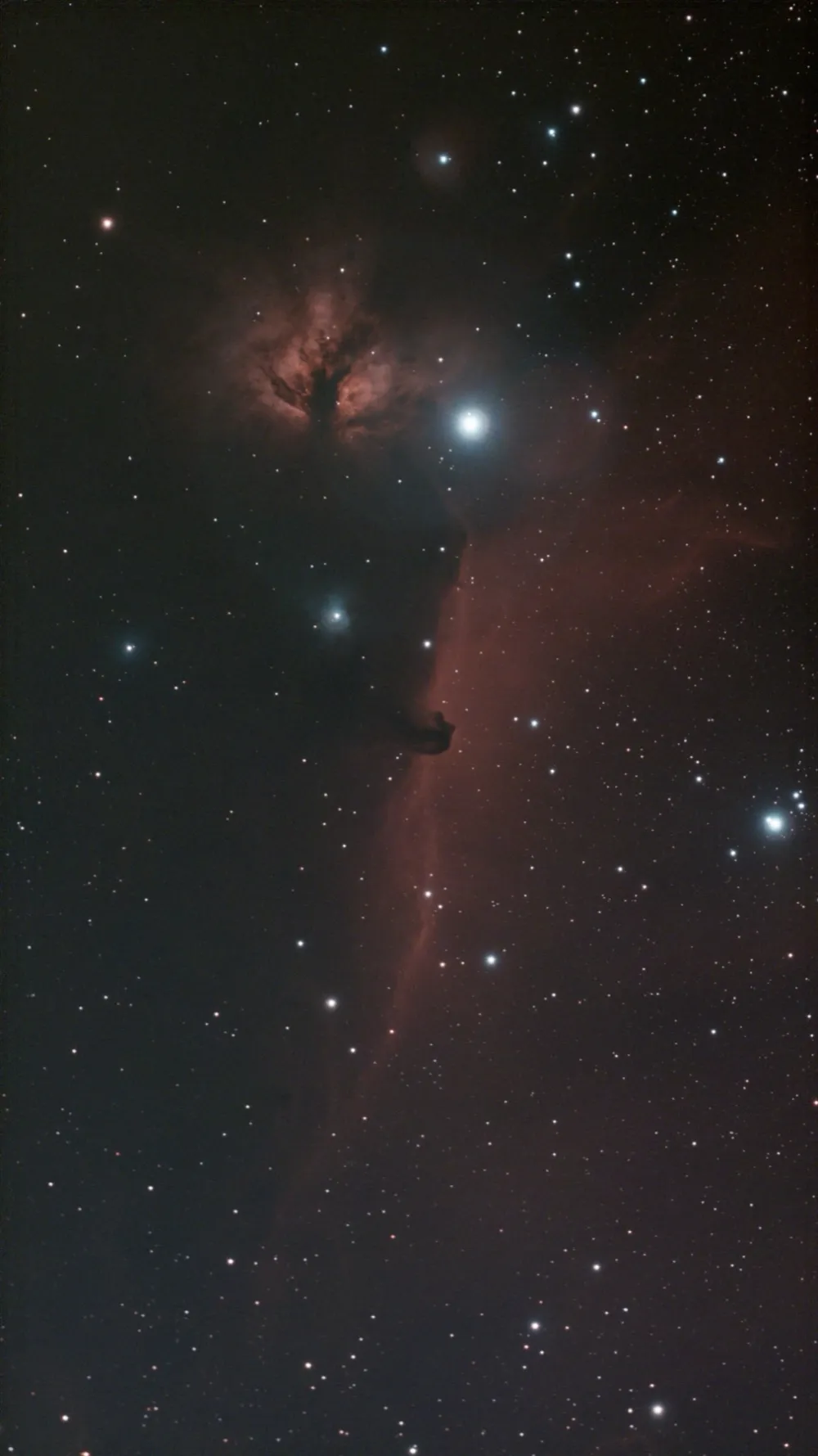
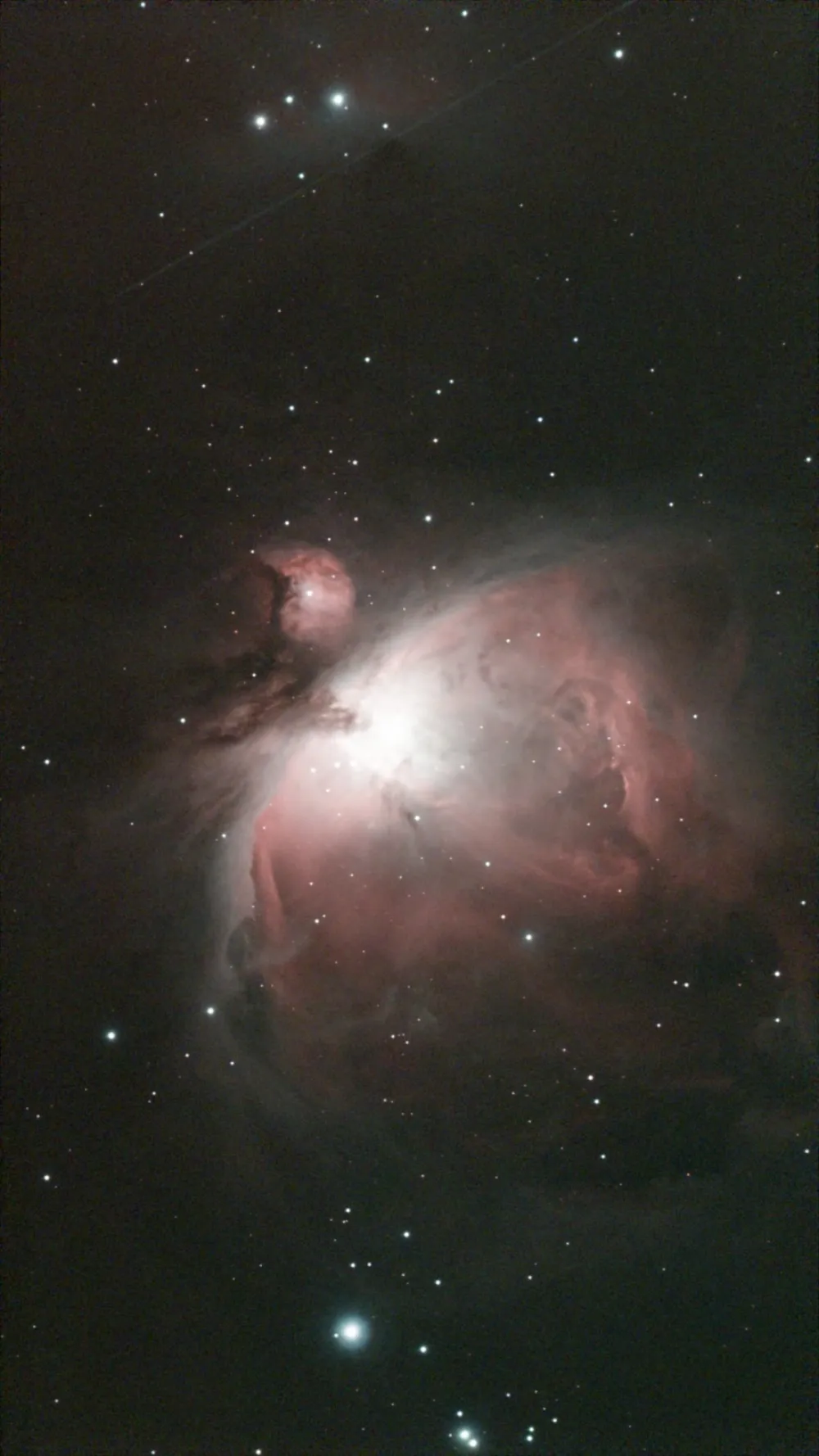
Every object you have imaged, with its type and number of observations. Open one to inspect a frame.
These come straight from my own library. The mosaic above is one of them.
Every capture sits in its own app's format, on its own device, with no easy way out.
Altitude, azimuth and rise times worked out by hand or guessed, night after night.
Clouds in one app, seeing in another, moon phase in a third. None of them are built for astronomy.
It imports your captures, helps plan each night and shows the forecast, so you spend less time on files and more time under the sky.
Get a night's frames in, then zoom in on them.
Point Nebulis at a folder on the machine. It indexes the images where they are and matches them to the catalog.
Open a stack, go to 100%, and pan across the field. The filmstrip keeps the next frame one click away.
Smaller tools, same local-first server. No extra setup, no extra apps.
Nebulis runs entirely on your own machine. Your images, your catalog, your plans. None of it ever touches a server you don't control.
See exactly what's in your raw frames before you stack. Inspect FITS headers and compare stacked vs. subframes.
Every raw frame gets a score from 0 to 100 and a Good, Fair or Bad grade against the rest of its night. Flags call out clouds, soft stars, star trails, streaks and noise, so you know which frames to drop before you stack.
Give each telescope its own check-in interval and Nebulis pulls new sessions in on its own, taking only the frames it has not seen. Switch it off per scope whenever you want.
Manage multiple telescopes from one interface. Each scope keeps its own library while sharing the same catalog and planner.
Lay your telescope's field of view over any object before you spend a night on it. Nebulis tells you if the target fits, is a tight crop, or needs a mosaic.
Every target is matched to Messier, NGC, IC, Caldwell and Sharpless, with names, type and a short description. Keep a wishlist of what you have not shot yet and schedule it for a night.
Open any image and Nebulis plate solves it, then draws rings and names over the objects in the frame, each with a details card.
Browse your full image library from your iPhone, iPad, Apple TV, or Android device. On iPhone and iPad, Standalone mode works straight from your telescope, no server needed.
See the appsThe Nebulis server runs on a Mac, Windows PC, or Docker host on your network. Every other device just connects to it, and iPhone and iPad can also work standalone, straight from your telescope. No relay, no third party in between.
No cloud account. No subscription. Just download, connect, and go.
Download the Mac or Windows installer and run it. Setup takes under two minutes.
Mac · WindowsEnter your telescope's IP address, or plug in via USB. Nebulis scans and imports automatically.
ZWO SeeStar · ZWO ASIAIR · DWARFLAB Dwarf II · Dwarf 3Hit sync and Nebulis pulls in every session: JPEGs, FITS files, and subframes, matched against the NGC, Messier, and IC catalogs.
FITS · JPEG · SubframesBrowse your library, plan tomorrow's session, check tonight's forecast, and view raw FITS data. Everything in one window.
Library · Planner · Forecast · GalleryInstall the Nebulis server where your images live: macOS, Windows, or self-hosted on Linux via Docker. Then connect from any device on your local network.
Install guideNo subscription, no cloud. Your data never leaves your network.
Runs on your machine · access from any device
Browse your library from any device on your local network. iPhone and iPad can also go standalone.
When you download Nebulis for Windows, you may see a SmartScreen prompt saying "Windows protected your PC" or warning that the publisher is unknown. This is expected, and here's why.
Bypassing this warning requires an Extended Validation (EV) code-signing certificate, which costs several hundred dollars a year. Nebulis is built and maintained by a single independent developer, and that cost isn't feasible right now.
The app itself is not malware. It runs entirely on your local network, never sends your data anywhere, and does not phone home. To proceed, click More info in the SmartScreen dialog, then Run anyway.
I've loved astronomy since I was a kid. In 2023 I bought a Seestar, and getting the images off it and organized was a pain. It was all manual file copying. I wrote a few scripts for myself, they kept growing, and now it's an app.
Nebulis is free. No accounts, no subscriptions, no ads. If it saves you some time, you can buy me a coffee.
What Nebulis is, what it costs, and what it works with.
The Nebulis server and web UI are completely free. There is no subscription, no paid tier, no account to create, and no ads. The iPhone, iPad, Apple TV and Android apps are sold through their app stores for a small one-time fee, which helps cover store and developer costs. Everything the apps do also works from the web UI at no cost. Nothing on the server is gated behind payment. If you love Nebulis and want to help support it, you can buy me a coffee .
Nebulis is a self-hosted astrophotography library. It pulls the images off your smart telescope, organizes every capture into one searchable catalog matched against the Messier, NGC, IC, and Sharpless catalogs, and adds an observation planner and an astronomy-specific sky forecast. It runs on a computer you own and is reached from any device on your network.
Nebulis imports natively from the ZWO Seestar S30 and S50, the DWARFLAB Dwarf II and Dwarf 3, and the ZWO ASIAIR (beta). It can also watch any folder over SMB or FTP, or ingest a USB drive, so images from almost any astrophotography setup can be brought into the library.
No. There are no accounts and nothing to sign in to. The server and clients talk to each other over your local Wi-Fi. Nebulis only reaches the internet to fetch a weather forecast for your location and reference data for catalog objects.
The Nebulis login page has no "forgot password" link, on purpose: anyone who could reach the page could use it to take over your account. Instead you reset it on the computer that runs the Nebulis server, by running the Nebulis program with the --reset-password flag and your username. It works offline and prints a new password to sign in with. The reset page has the exact steps for Windows, macOS, and Docker.
On the machine where you install the Nebulis server. Your images, catalog, notes, and plans stay on hardware you control and are never uploaded to a server run by anyone else.
The Nebulis server runs on macOS, Windows, and Linux via Docker. The library is then browsable from any web browser on your network, plus native apps for iPhone, iPad, Apple TV, and Android. On iPhone and iPad (Nebulis 2.1), Standalone mode also runs without a server by syncing straight from your telescope.
Yes. Nebulis imports stacked results, raw sub-frames, and JPEG or PNG previews. It has a built-in FITS viewer for inspecting headers and comparing stacked images against their sub-frames before you process them.